
SVG Viewer Gallery feed (extension)

Makes it much easier to work with SVG files by showing a live preview in the bottom-right corner of the code window
▼ Download- Author
- Mads Kristensen
- Version
- 1.1.1
- Updated
- 1 month ago
- Tags
- svg, xml
- Supports
- VS 2017 VS 2019 VS 2022 VS 2026 VS 2022 (ARM64) VS 2026 (ARM64)
SVG Viewer


Download the extension from the Visual Studio Marketplace or get the latest CI build
A Visual Studio extension that makes working with SVG files easier by providing a live preview, IntelliSense, and custom file icons.
Features
Live Preview
Renders a live preview of the SVG file being edited, positioned in a corner of the editor window.
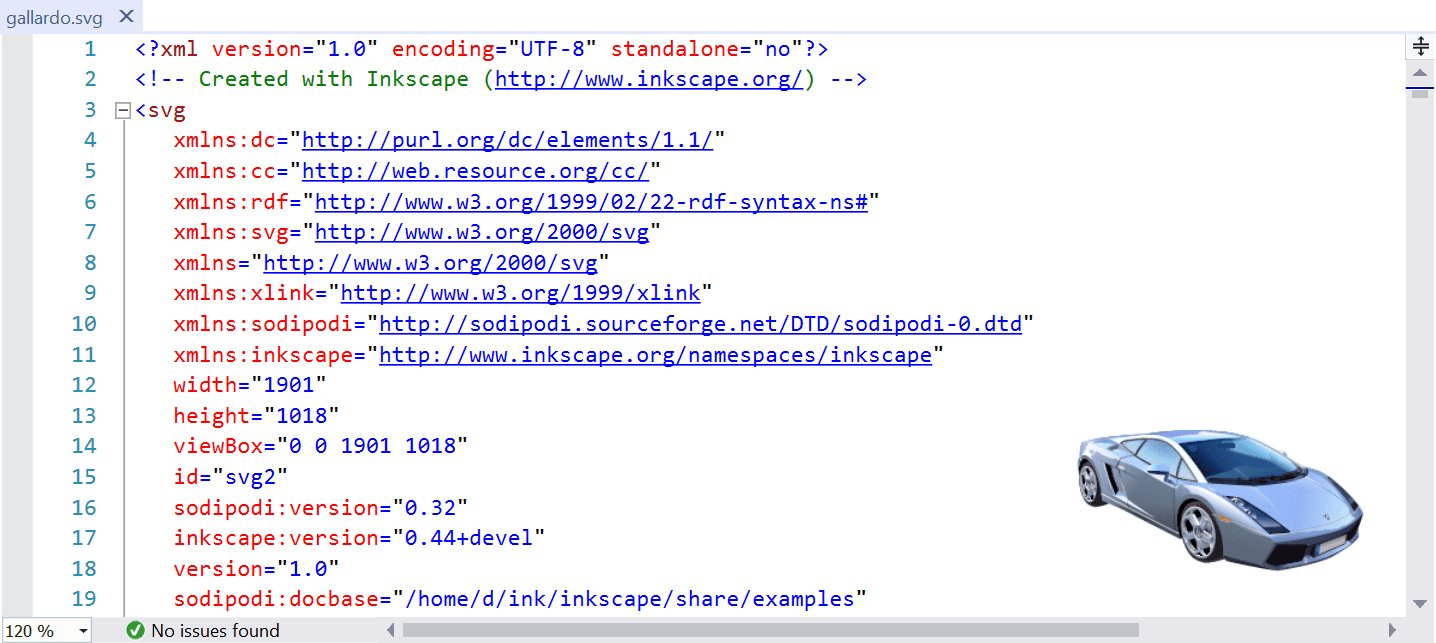
The preview updates automatically as you type, providing instant visual feedback on your changes.
Interactive features:
- 🖱️ Click to copy – Click on the preview to copy the rendered image to your clipboard
- 🔍 Scroll to zoom – Use the mouse wheel over the preview to zoom in/out (50% to 400%)
- 📍 Hover for info – Tooltip shows SVG dimensions, zoom level, and usage hints
Configurable Options
Customize the preview behavior via Tools → Options → SVG Viewer → General:
| Option | Description | Default |
|---|---|---|
| Preview Size | Maximum width/height of the preview (50-1000px) | 250px |
| Preview Position | Corner placement (Top Left, Top Right, Bottom Left, Bottom Right) | Bottom Right |
| Preview Margin | Distance from the editor edge (0-100px) | 20px |
| Show Error Indicator | Display an error icon when SVG parsing fails | Enabled |
| Show Loading Indicator | Show visual feedback while rendering | Enabled |
| Debounce Delay | Delay before re-rendering after typing (100-2000ms) | 500ms |
Error Visualization
When your SVG contains syntax errors, the preview shows a clear error indicator with details in the tooltip:
- Red error icon appears in place of the preview
- Tooltip displays the specific XML/SVG parsing error
- Line numbers included for XML errors to help locate issues
IntelliSense
Enhanced IntelliSense support for SVG files with schema-based completions.
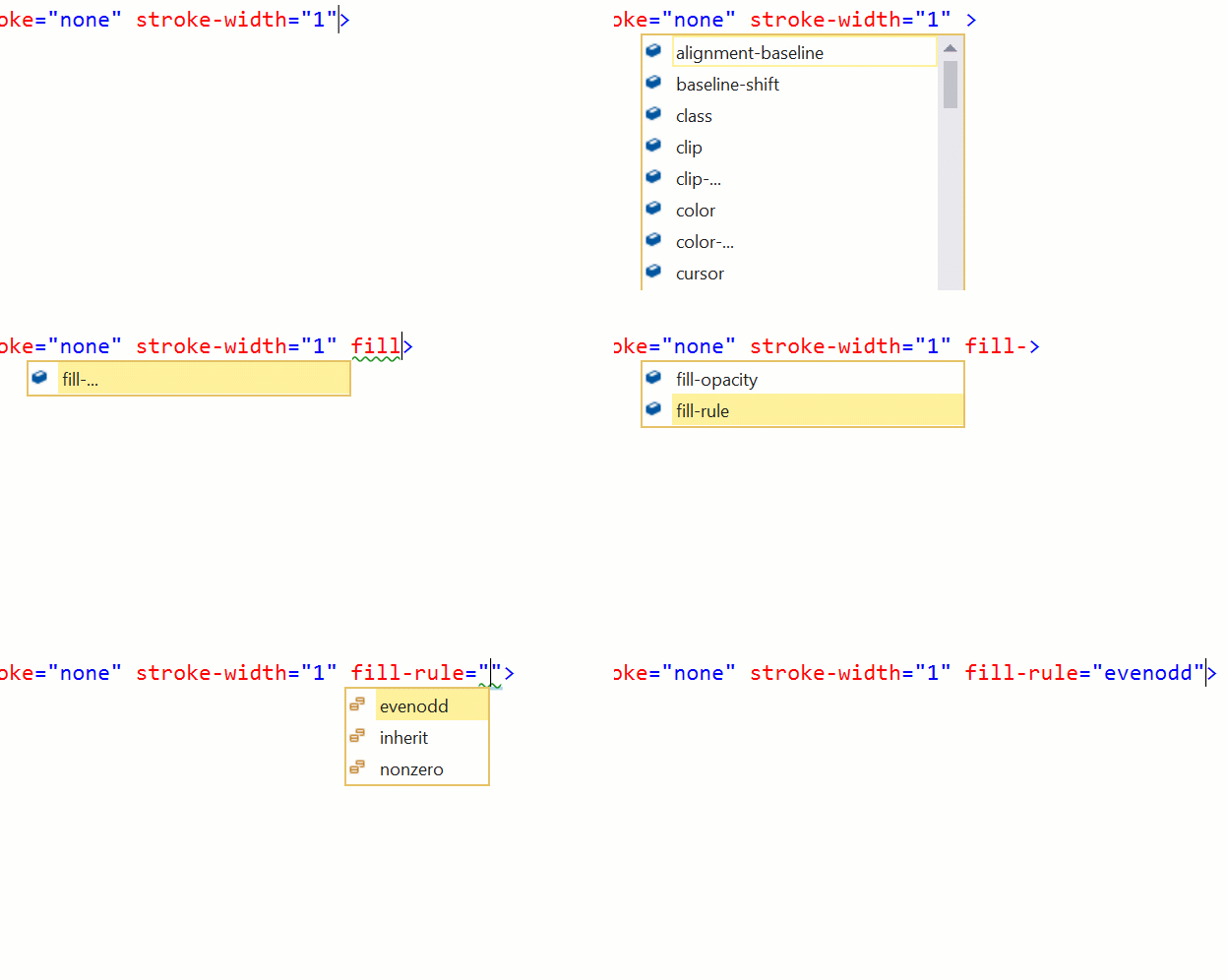
This works by opening SVG files in the HTML editor, which has built-in schema information for SVG elements and attributes.
File Icons
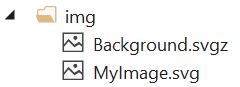
Solution Explorer displays custom icons for SVG files:
.svg.svgz
Performance
The extension is designed to be lightweight and responsive:
- Debounced rendering – Prevents excessive re-renders while typing
- Content caching – Skips re-rendering when content hasn't changed
- Memory efficient – Reuses buffers to minimize allocations
- Async rendering – SVG parsing and rendering happen off the UI thread